

Source: aajtak
Your Google Account is not merely an account; it’s an entryway to your photos, videos, and much more sensitive information. If someone manages to gain access, your personal data might be at risk.
(Photo: Unsplash)
Source: aajtak
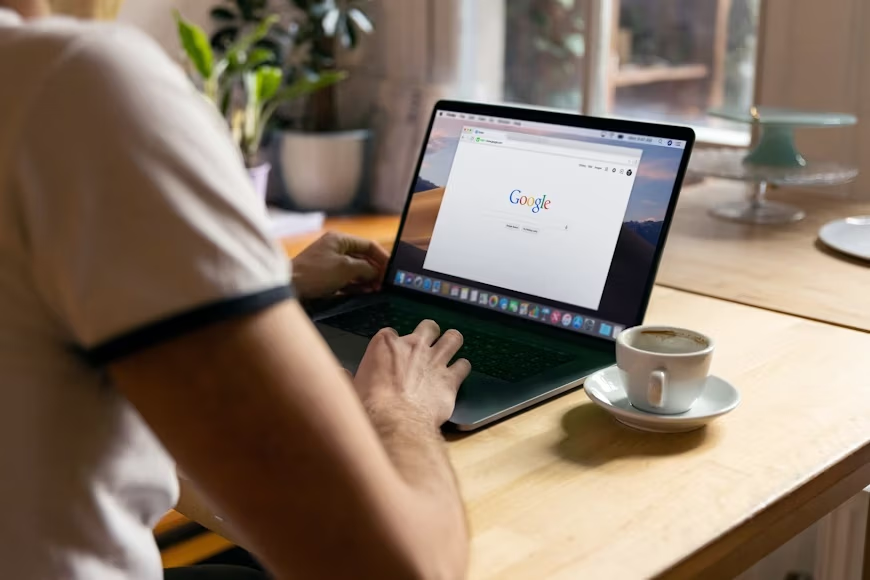
Now, Google Accounts are used for logging into not just smartphones but a vast array of devices such as laptops, tablets, and smart TVs.
(Photo: Unsplash)
Source: aajtak
Fortunately, Google provides a security check feature allowing you to verify which devices are logged into your account.
(Photo: Unsplash)
Source: aajtak
To check this, visit myaccount.google.com. Here, you will need to log in by entering your account details.
(Photo: Unsplash)

Source: aajtak
Next, go to the Security option, where you'll find the Devices section. Click here to see where your account is logged in, be it phones, tablets, or computers.
(Photo: Unsplash)
Source: aajtak
You can view the device type, location, and last activity. If you encounter an unfamiliar device, you can sign out from it immediately.
(Photo: Unsplash)
Source: aajtak
If you find any suspicious device, aside from logging it out, you should change your password and enable two-factor authentication.